Twelve offline Windows tools. One family.
Drag, drop, done. Each BatchDrop app solves one file job locally on Windows — convert, compress, resize, watermark, rename, strip metadata, or organize. No uploads. No subscription. One-time purchase.
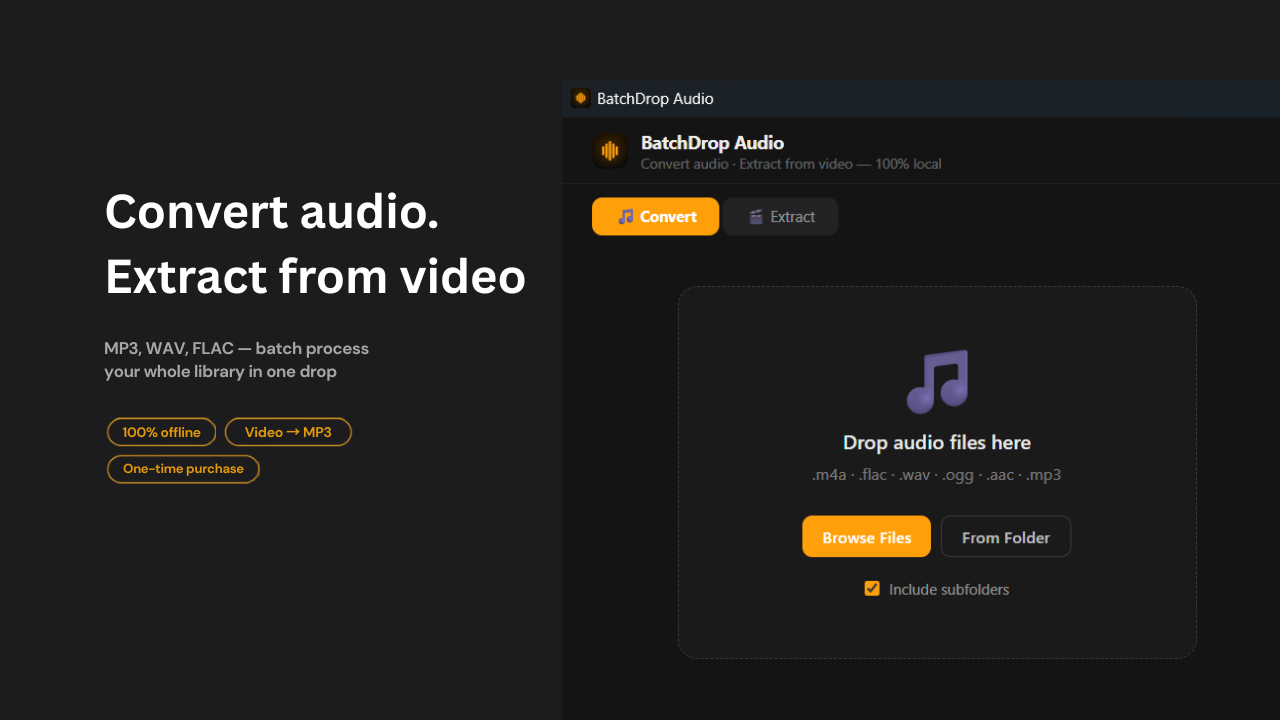
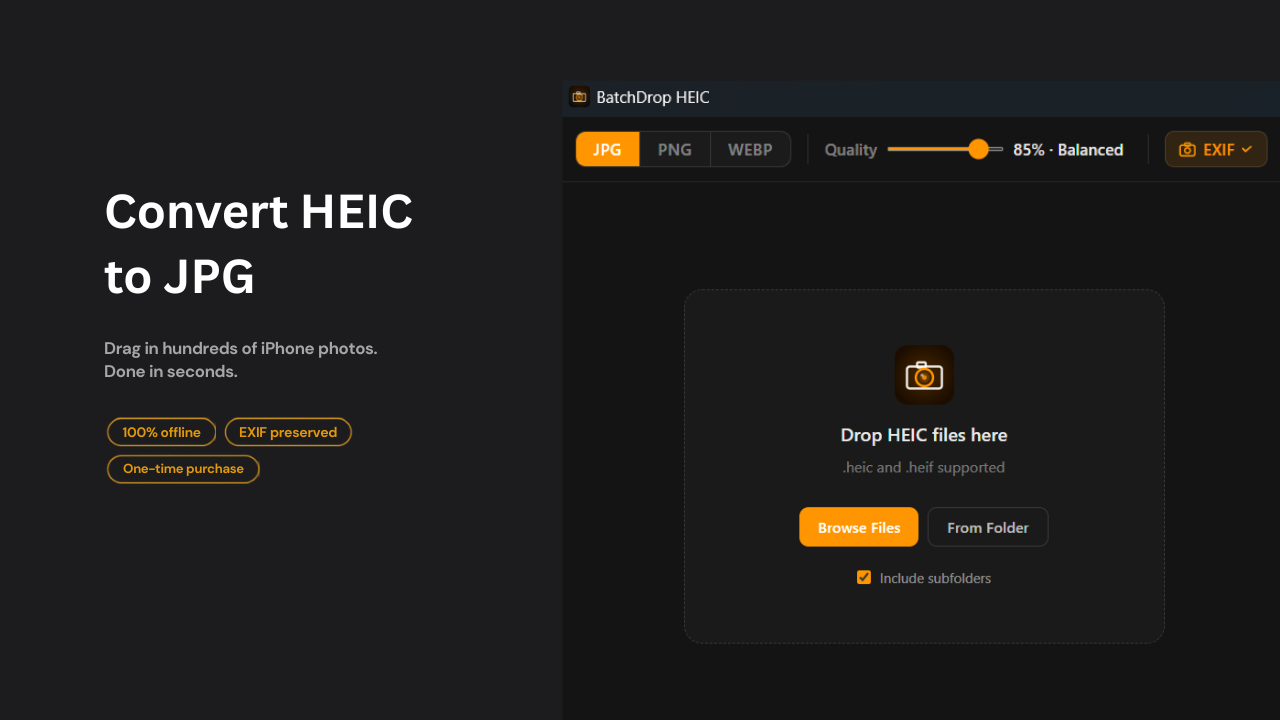
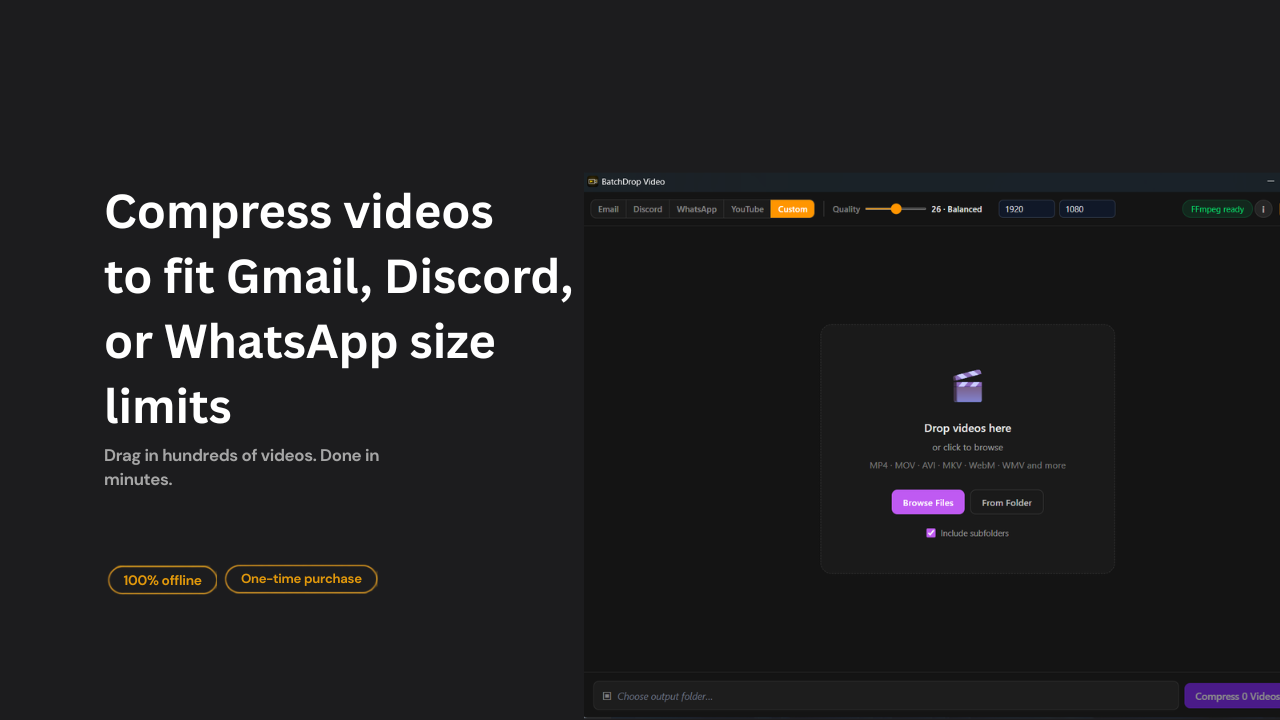
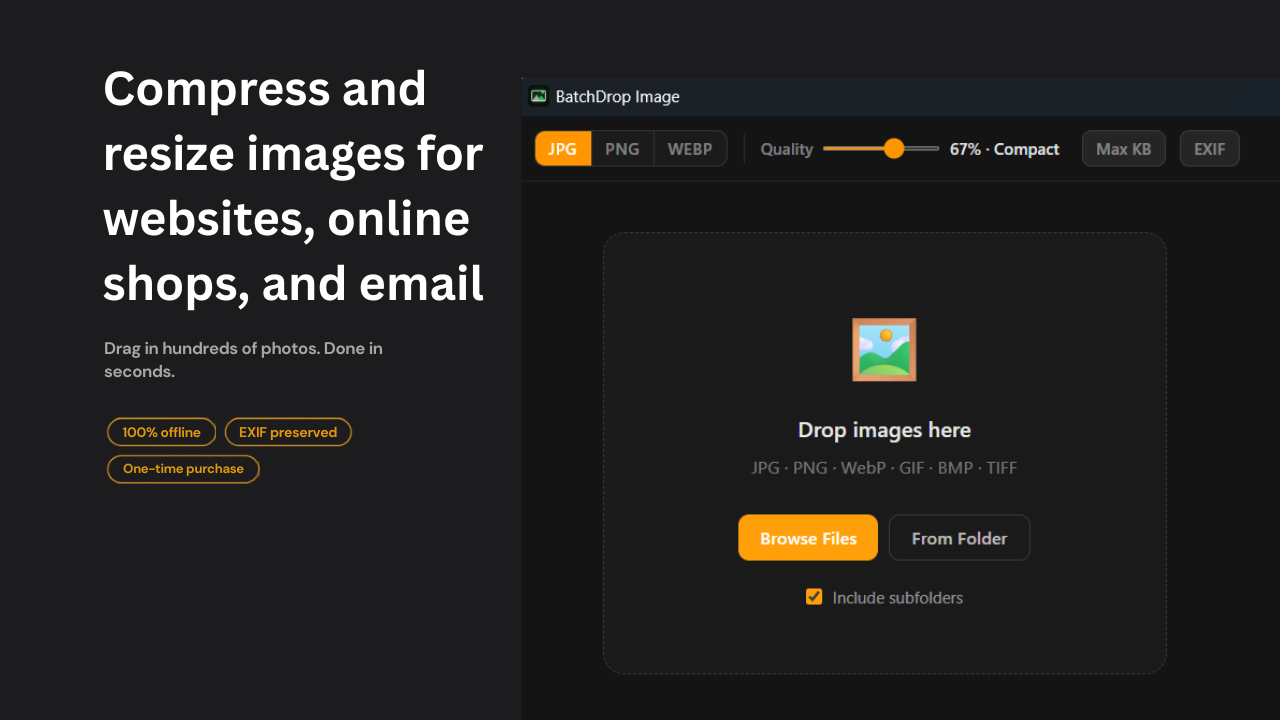
The BatchDrop app family.
Pick the tool that matches the file problem. Most apps are on the Microsoft Store; all are also on Gumroad.
AudioConvert MP3, WAV, FLAC or extract audio from video.Microsoft Store
HEICiPhone HEIC/HEIF to JPG, PNG, or WebP offline.Microsoft Store
VideoCompress to Email, Discord, WhatsApp, or custom MB.Microsoft Store
ImageBatch compress and resize without uploads.Microsoft Store
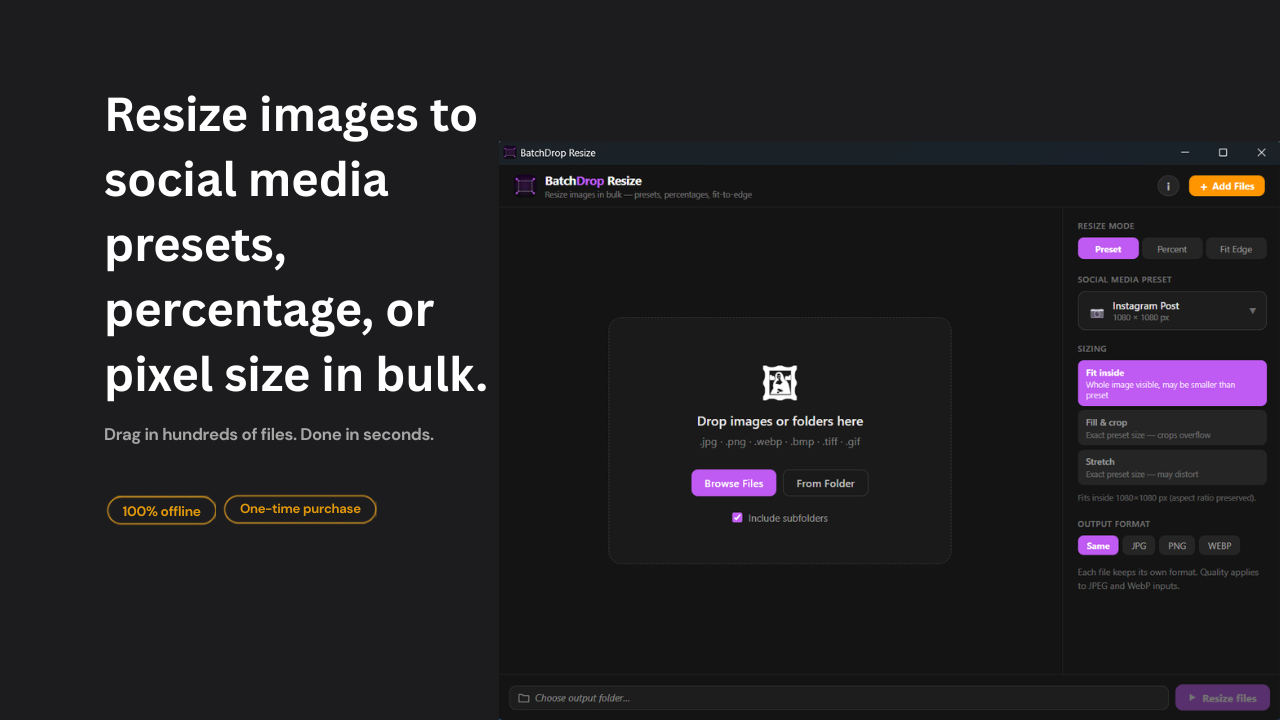
ResizeSocial presets, percentage, and fit-edge modes.Microsoft Store
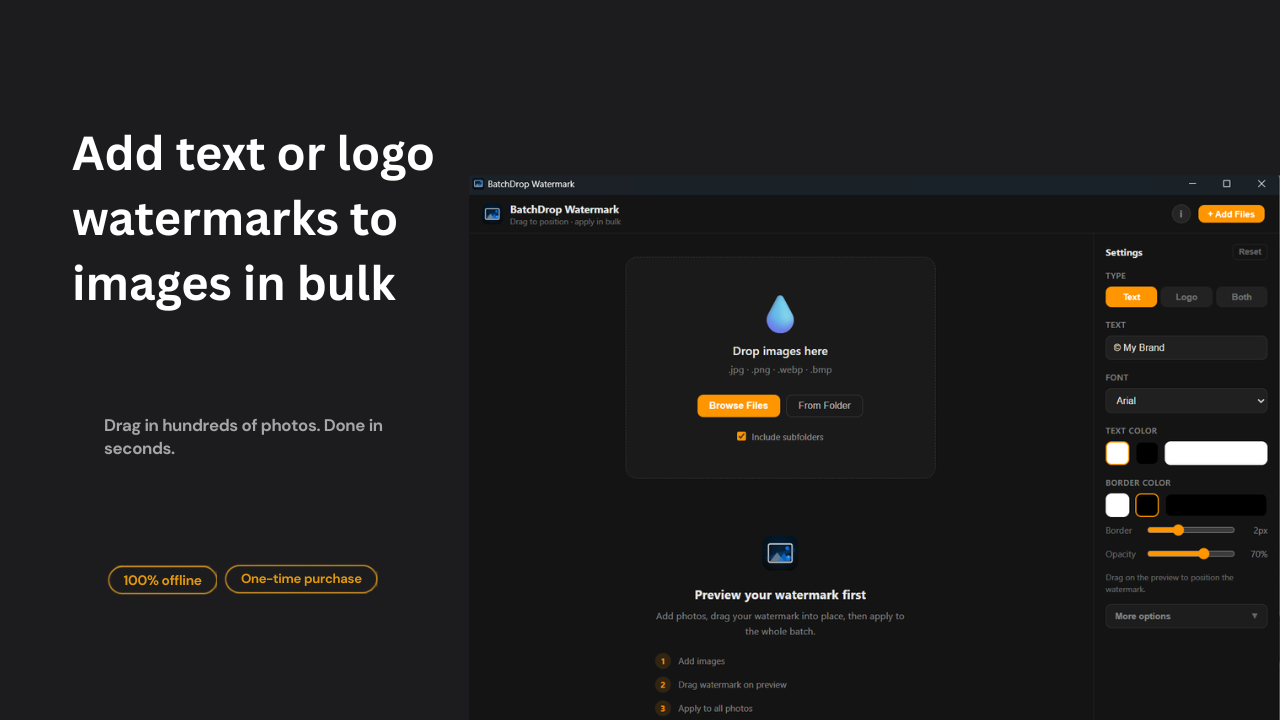
WatermarkText or logo watermarks on photo batches.Microsoft Store
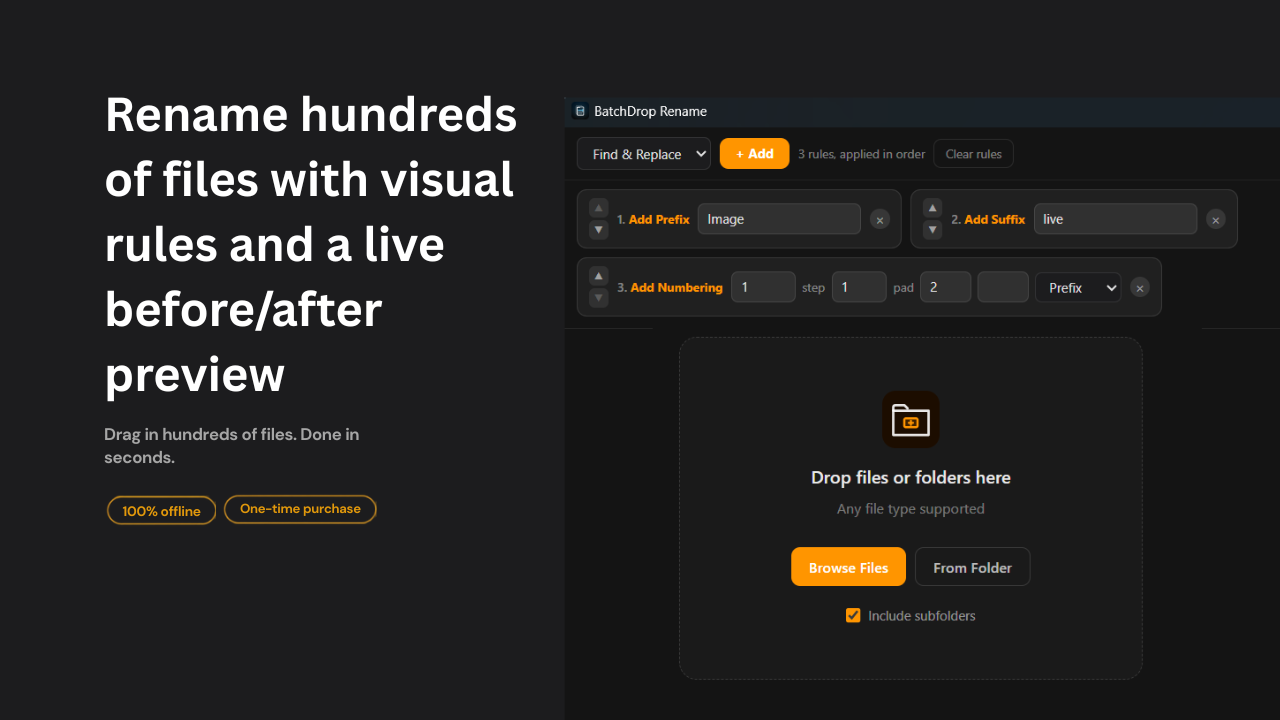
RenameBulk rename with live preview and conflict checks.Microsoft Store
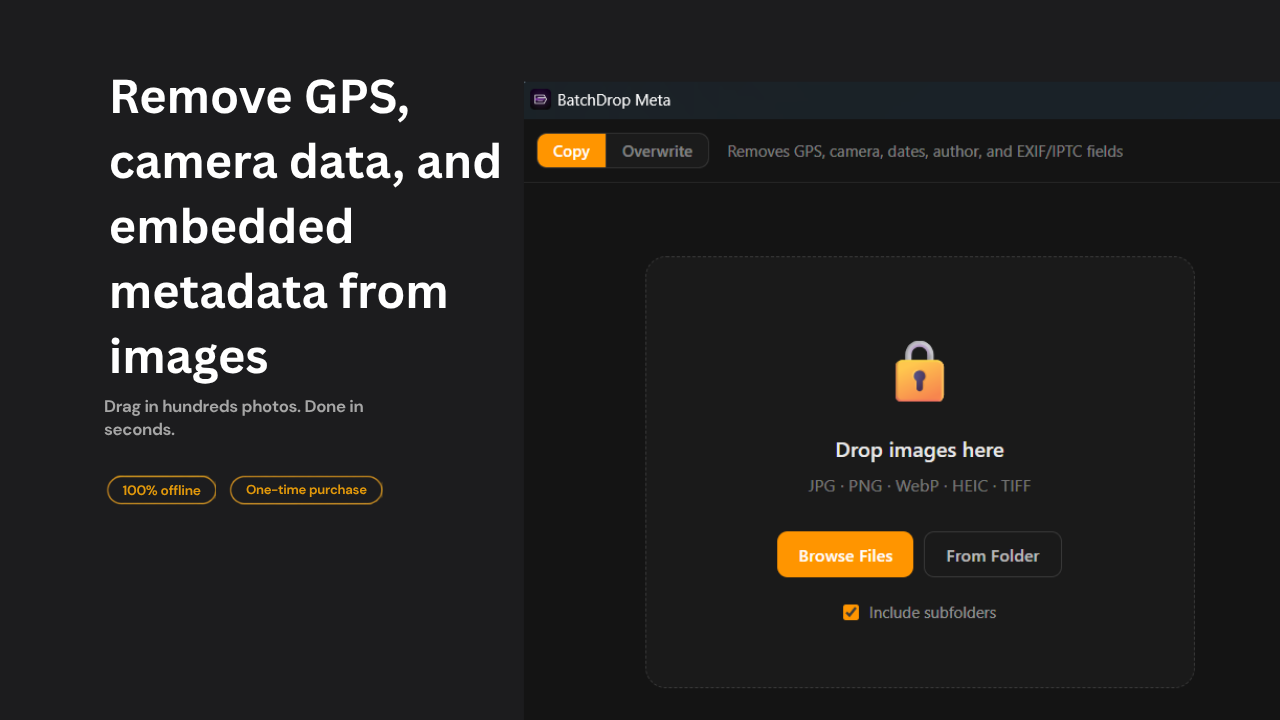
MetaStrip EXIF, GPS, and AI metadata before sharing.Microsoft Store
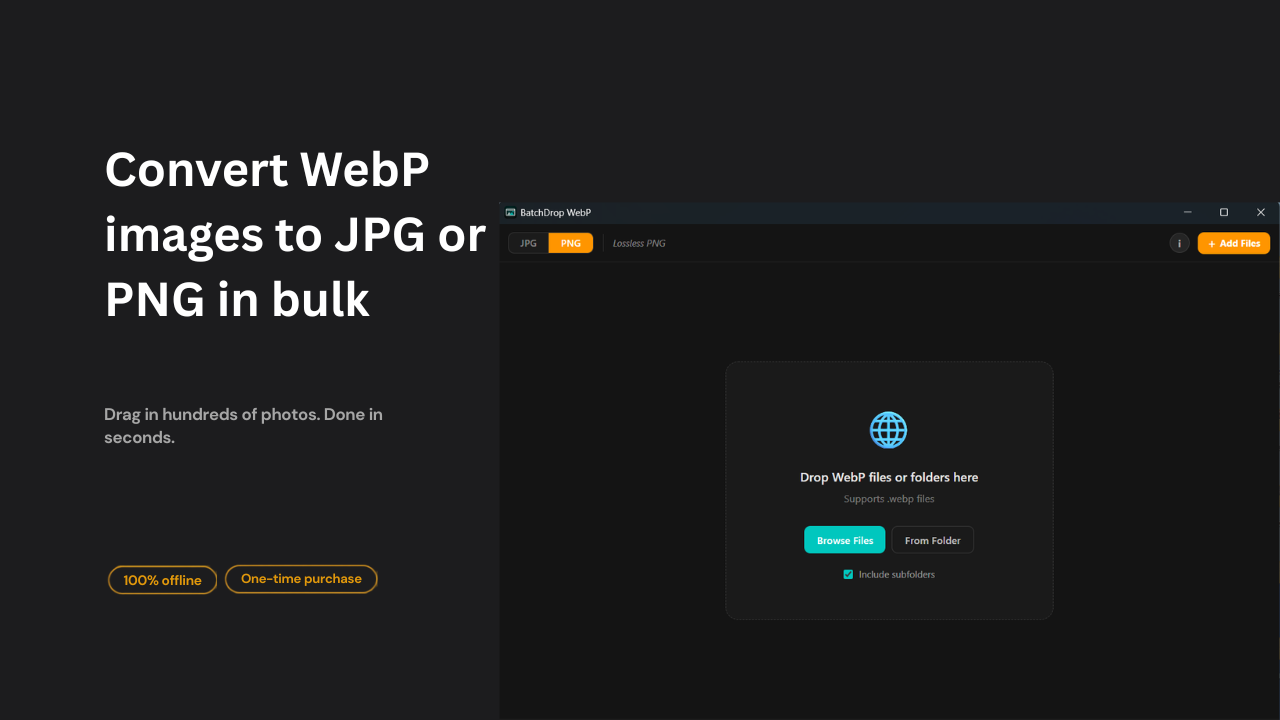
WebPConvert WebP to JPG or PNG for compatibility.
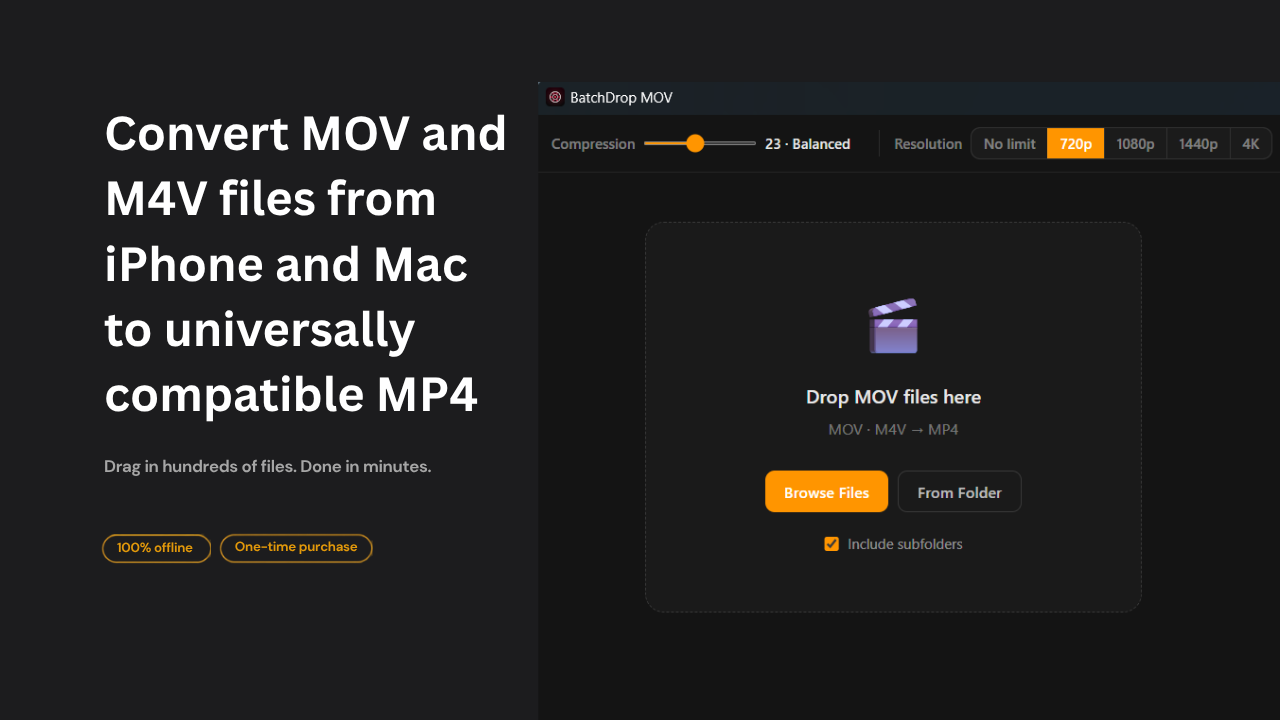
MOVTurn camera MOV files into universal MP4.Microsoft Store
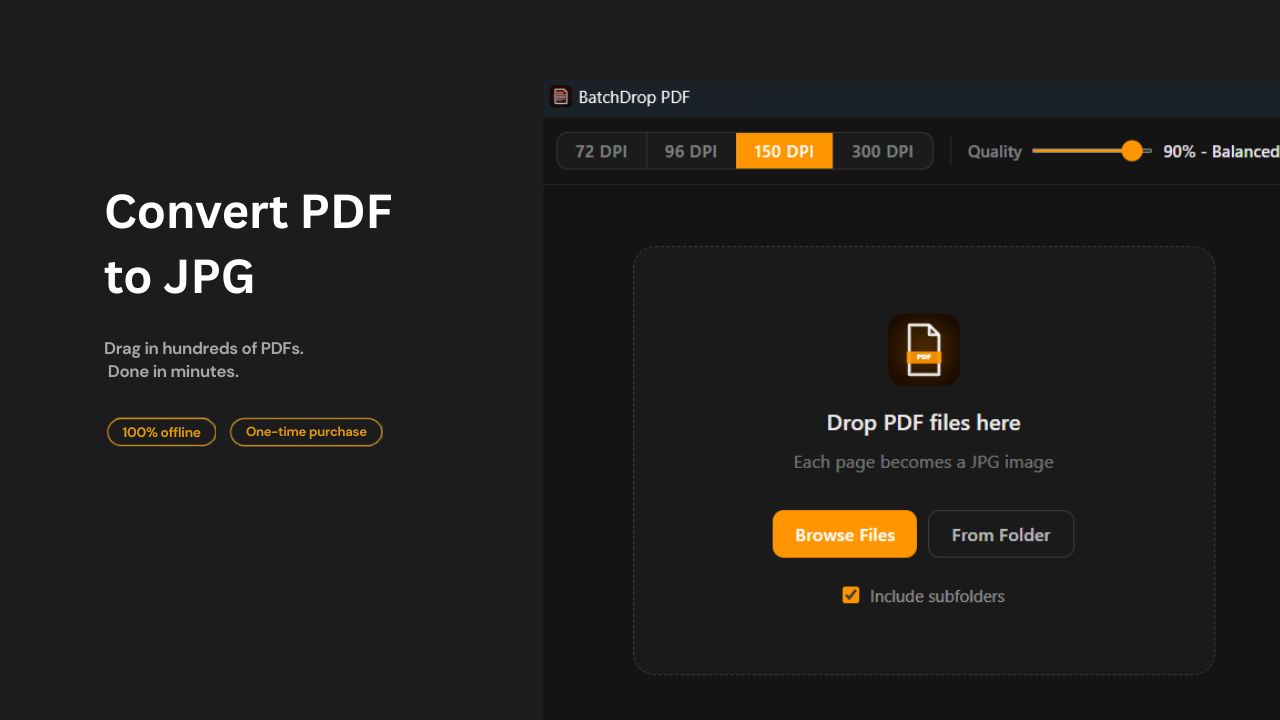
PDFExport PDF pages as numbered JPG images.Microsoft Store
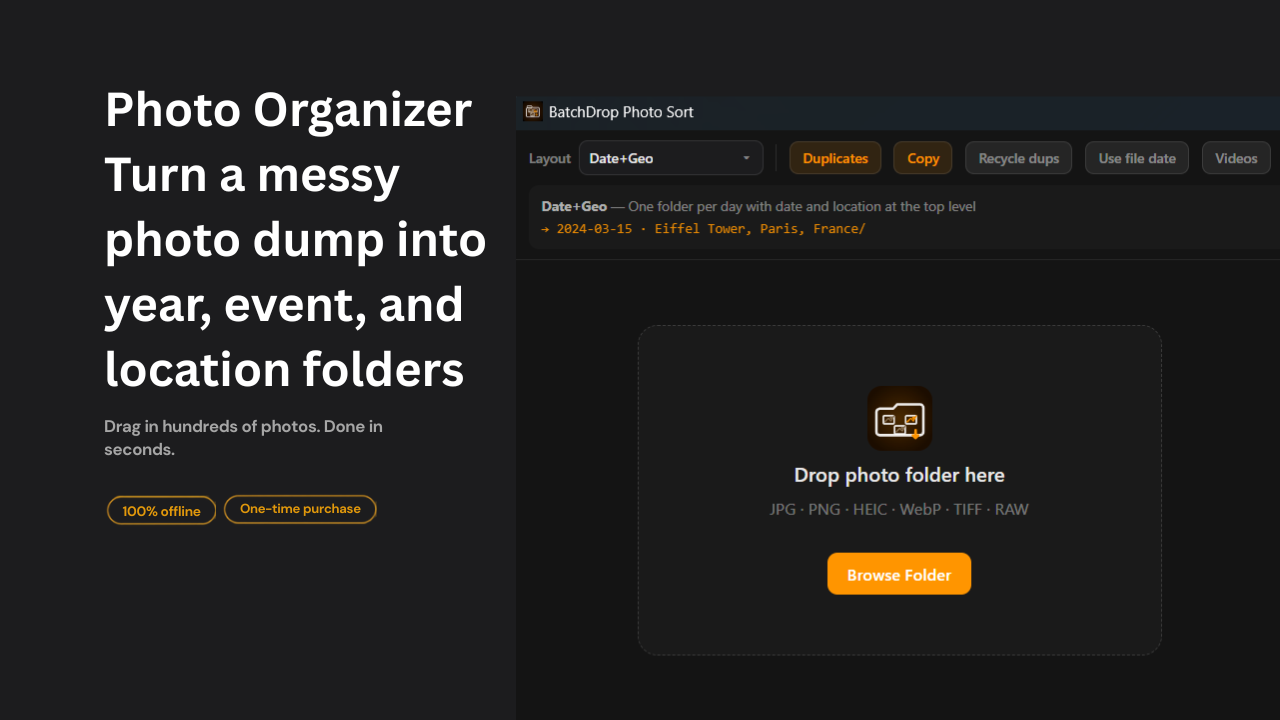
Photo SortOrganize libraries by date, events, and GPS.Microsoft Store
One job per app.
Each workflow stays small enough to understand at a glance: drop files, choose the output, process locally.
Pick the exact tool
Open the app that matches the file problem instead of searching through a giant utility panel.
Drop files or folders
Each app starts at the file queue, with a browse fallback when drag-and-drop is not convenient.
Process on the PC
Files stay on the machine. No cloud upload, no account, no subscription.
Start with the tool you need.
BatchDrop is a family of single-purpose Windows apps, not one bundled SKU. Open any landing page for Microsoft Store or Gumroad.
Browse the apps